Published price example
Image generation
$0.00136USD / image
FLUX.1 schnell · 512 × 512 · 4 steps
1,000 images at these settings: $1.36.

Image, video, music and upscaling are some of the workflows available through deAPI. Choose a model, send a request through the API or MCP, and use the result in your app or agent.
App, agent, creative tool
Model selection · API / MCP
Execution for your chosen model
Image, video, audio
deAPI offers network models running on distributed GPU compute alongside external models. Where a job runs depends on the model you choose.
Explore the distributed GPU opportunityGenerate an image for a fraction of a cent, then connect the same API to your app. Costs depend on the model and generation settings.
Published price example
FLUX.1 schnell · 512 × 512 · 4 steps
1,000 images at these settings: $1.36.
Actual completed-job cost
RealESRGAN · 1024 × 576 → 4096 × 2304
Actual completed-job cost
MiniMax · 1024 × 576 · 6-second finished film
The animation job only; source image excluded.
The image price is a published deAPI example. Video and upscale costs come from completed jobs in this showcase.
One image. Four times the width and height. Explore the same crop from the original and the real deAPI upscale, enlarged for comparison.
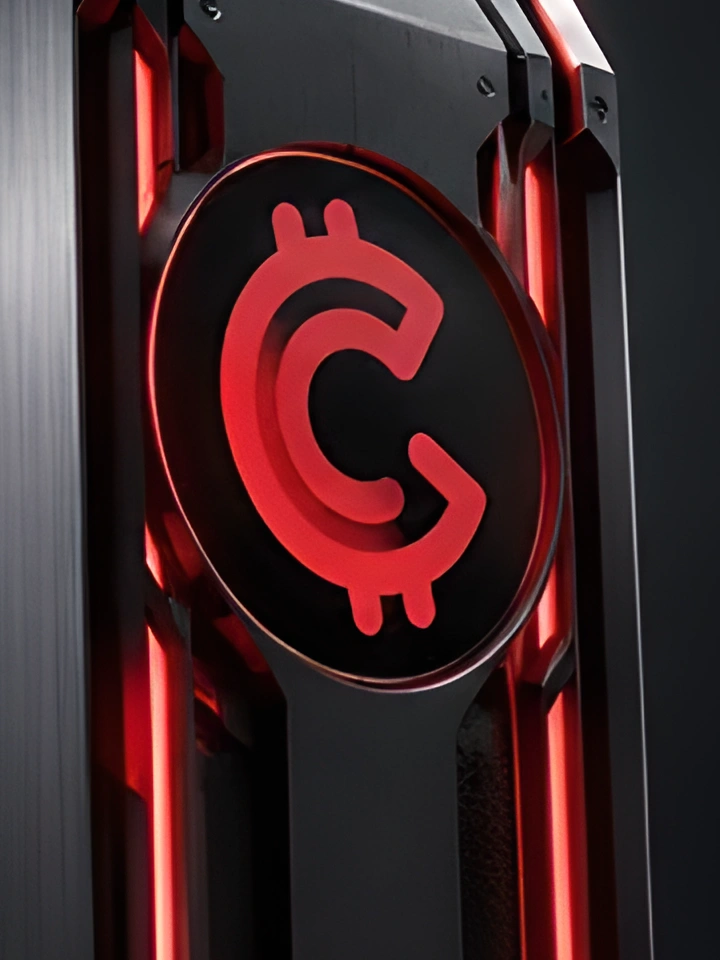
1024 × 576 4096 × 2304
Model used RealESRGAN_x4
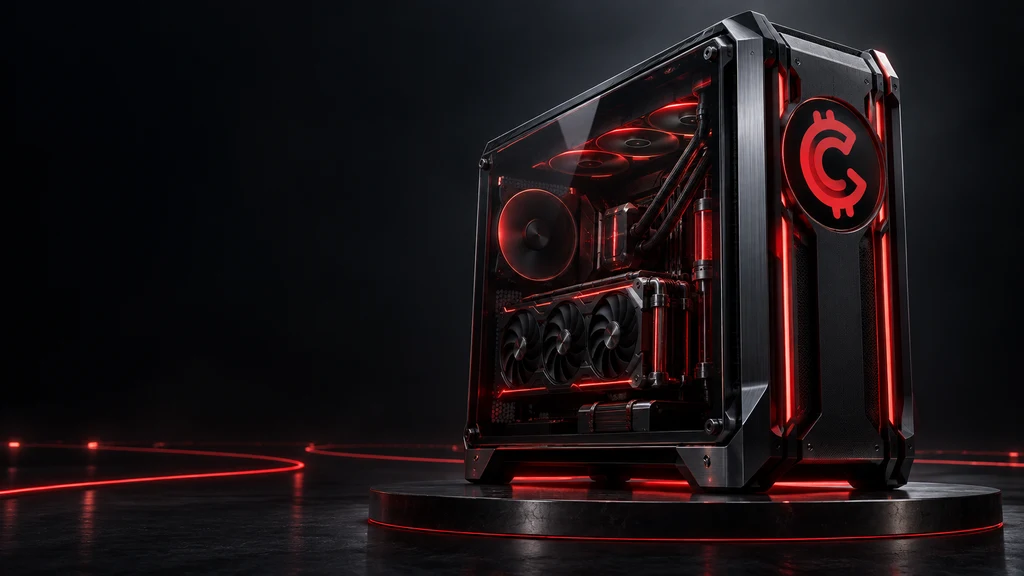
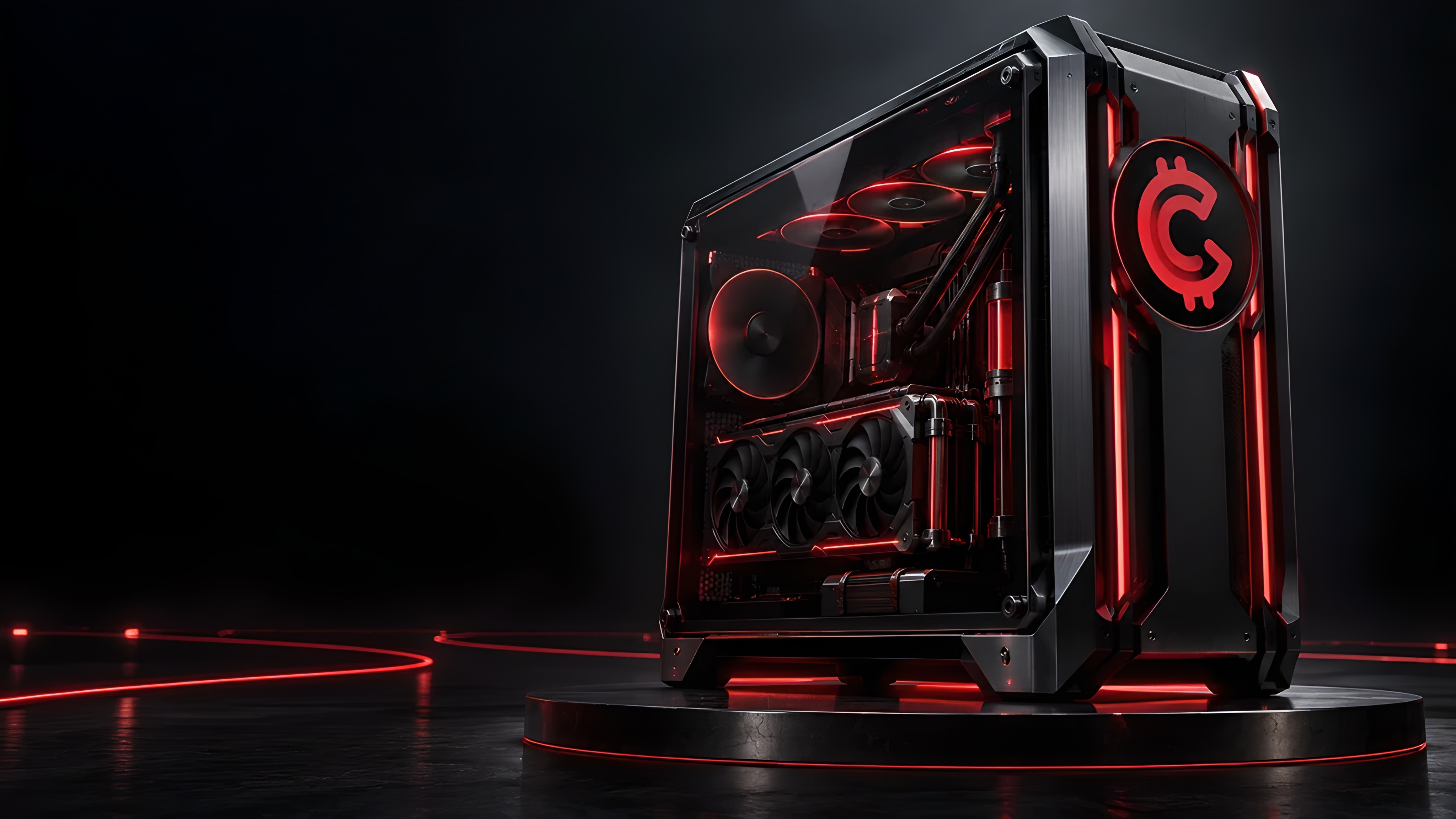
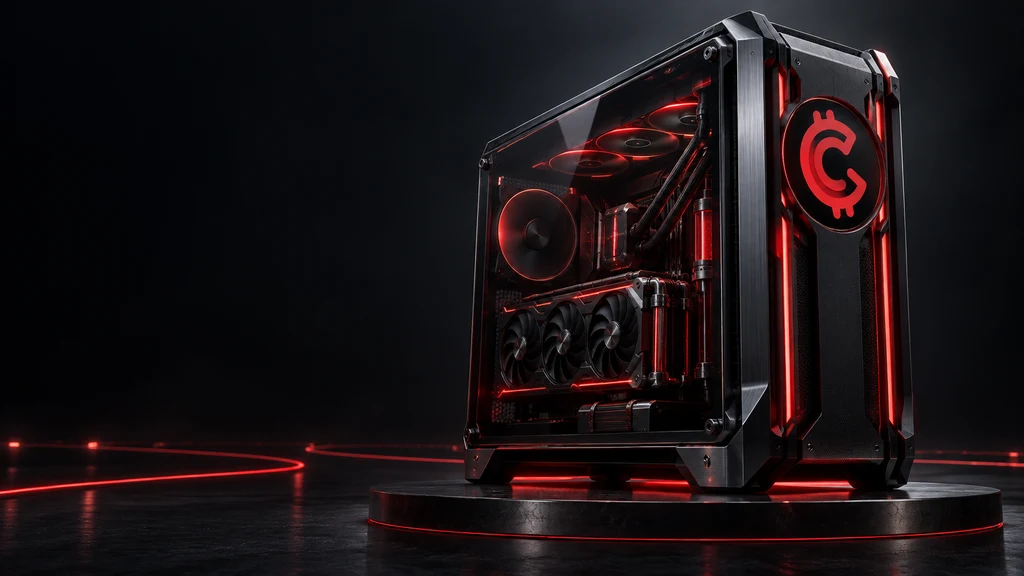
We generated an image with the GHX emblem, then animated it with MiniMax through deAPI. Compare the input and output, and see the animation generation cost.
 Download reference
 Choose video quality
One AI upscale produced both Full HD and 4K. Every quality is free to download.
Animated with deAPI
Actual video processing costs from completed deAPI jobs. Reference image generation is excluded because its cost was not reported. Future prices may vary.
The first frame was made with OpenAI image generation using the official GamerCoin mark as a reference, then animated with MiniMax via deAPI.
The video prompt
One cinematic product reveal. Slowly dolly back with subtle lateral parallax. Keep the entire workstation and red GamerCoin emblem visible. Fans turn smoothly; one restrained red light pulse travels along floor traces and cooling channels. Preserve the supplied logo shape, chassis geometry and badge position. Controlled highlights on black metal. No cuts, strobe, new objects, letters or logo morphing.Actual video processing costs from completed deAPI jobs. Reference image generation is excluded because its cost was not reported. Future prices may vary.
One upscale job produced the master. The HD and 4K files are exports from that master, without a separate generation charge for each quality.
Generate backgrounds, concepts and campaign images from a short description. Use reference images with models that support image input.
Scale an image to four times its width and height. Download the result or show it directly in your app through the same API.
Connect the HTTP API to your app or MCP to your agent to submit generation requests and retrieve the results.
Create a deAPI account and generate your API key in its dashboard.
Open deAPI dashboardUse the HTTP API from your app’s backend, or connect MCP to your AI agent and creative workflow.
API & MCP guidePick the generation type, model and settings. Check the price, submit your request, and use the completed result in your project.
Browse models and pricingKeep your API key on your server or in your private agent configuration. It does not belong in public website code.
Create a deAPI account and API key.